

Quarkus Initialization
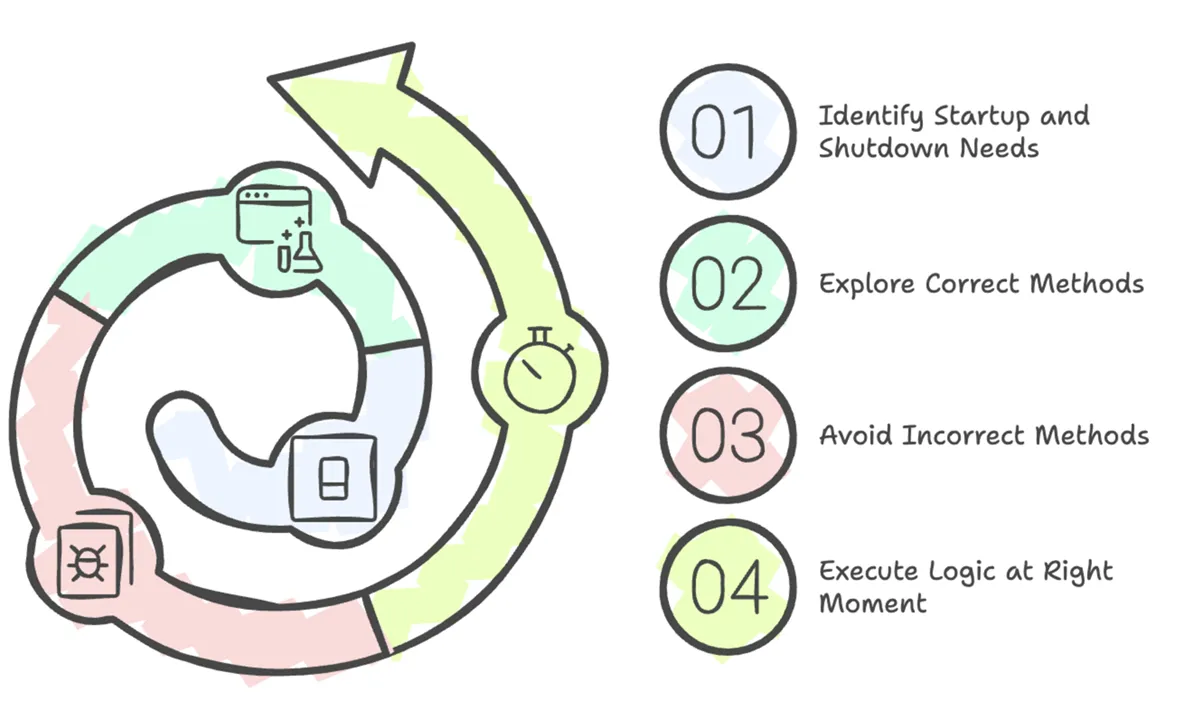
This guide is your map to controlling the chaos. We'll explore the right—and wrong—ways to hook into Quarkus's startup and shutdown sequences, so you can execute your logic at precisely the right moment.
The Main Method Myth: Your First Stop is the Wrong Stop
Every Java developer knows public static void main. Quarkus can generate one for you, or you can define your own with @QuarkusMain. It's tempting to stuff your startup logic right in there. Don't do it.
At the point your `main` method runs, the Quarkus application and its CDI container are not fully initialized. Injecting beans or accessing configured resources here is unreliable and will lead to pain.
The correct way to run logic after Quarkus has started is by implementing QuarkusApplication. This is perfect for command-line tools that need to perform a task and then exit.
import io.quarkus.runtime.Quarkus;
import io.quarkus.runtime.QuarkusApplication;
import io.quarkus.runtime.annotations.QuarkusMain;

@QuarkusMain
public class MyCommand implements QuarkusApplication {

    @Override
    public int run(String... args) throws Exception {
        System.out.println(Quarkus is up! Now I can run my task.);
        // ... perform some work, like a database migration ...
        System.out.println(Task complete. Exiting.);
        return 0; // The application will terminate after this method returns.
    }

    public static void main(String... args) {
        Quarkus.run(MyCommand.class, args);
    }
}
But what about long-running services like a REST API? For that, you simply tell Quarkus to wait indefinitely until a shutdown signal is received.
public int run(String... args) throws Exception {
    System.out.println(Startup logic finished. Application is running.);
    Quarkus.waitForExit(); // This blocks forever until shutdown.
    return 0;
}
The Standard Way: Listening for Lifecycle Events
For most server applications, the cleanest and most flexible way to hook into the lifecycle is by observing CDI events. Quarkus fires two crucial events:
StartupEvent: Fired when the application is fully initialized and ready to go.ShutdownEvent: Fired when the application is beginning its shutdown sequence.
You can create a simple CDI bean to listen for these events. This is the ideal place to initialize resources, log startup messages, or perform cleanup.
import io.quarkus.runtime.ShutdownEvent;
import io.quarkus.runtime.StartupEvent;
import jakarta.enterprise.context.ApplicationScoped;
import jakarta.enterprise.event.Observes;
import org.jboss.logging.Logger;

@ApplicationScoped
public class AppLifecycleBean {

    private static final Logger LOGGER = Logger.getLogger(Lifecycle);

    void onStart(@Observes StartupEvent ev) {
        LOGGER.info(The application is starting... Warming up the engines!);
        // e.g., Connect to a message broker, pre-load some data
    }

    void onStop(@Observes ShutdownEvent ev) {
        LOGGER.info(The application is stopping... Cleaning up.);
        // e.g., Close database connections, notify other services
    }
}
Crucial Detail for Native Image: StartupEvent vs. @Initialized
CDI veterans might know about the @Initialized(ApplicationScoped.class) event. In Quarkus, there's a critical difference: when you build a native executable, @Initialized is fired at build time, while StartupEvent is fired at runtime when the user actually runs your application. Always use StartupEvent for runtime initialization logic.
The Eager Bean: Forcing Initialization with @Startup
Sometimes, you just need a bean to be created and its constructor logic to run the moment the application starts, without waiting for it to be injected somewhere. For this, Quarkus provides the @Startup annotation. It's essentially syntactic sugar for observing the StartupEvent.
import io.quarkus.runtime.Startup;
import jakarta.enterprise.context.ApplicationScoped;

@Startup // This annotation ensures the bean is created at startup
@ApplicationScoped
public class EagerConnectionManager {

   public EagerConnectionManager() {
     // This constructor logic will run as soon as the app starts.
     System.out.println(Eagerly establishing initial connections...);
   }
}
The Graceful Exit: Shutting Down Like a Pro
A professional application doesn't just crash when it's told to stop. It shuts down gracefully. This means it stops accepting new requests but waits for any in-progress requests to finish. This is crucial in a containerized environment like Kubernetes, where your pod can be terminated at any time.
You can configure this behavior in application.properties:
# application.properties

# Wait up to 30 seconds for active requests to complete before force-quitting.
quarkus.shutdown.timeout=30s

# (Optional) Wait 5s after shutdown is initiated before starting the timeout.
# This gives load balancers time to stop sending new traffic.
quarkus.shutdown.delay=5s
Conclusion: When to Use What
You now have a full toolkit for managing your application's lifecycle. Here's a simple cheatsheet:
- Use
QuarkusApplicationfor command-line tools or applications that run a task and exit. - Use
@Observes StartupEventfor standard server startup logic like warming up caches or connecting to services. - Use
@Startupas a convenient shortcut for simple, eager bean initialization. - Use
@Observes ShutdownEventfor all your cleanup logic to ensure a graceful exit.
By respecting the application lifecycle, you build more than just a program that runs; you build a reliable, predictable, and professional service. For more details, check out the official Quarkus Lifecycle guide.